
CTRL-V
CTRL-V
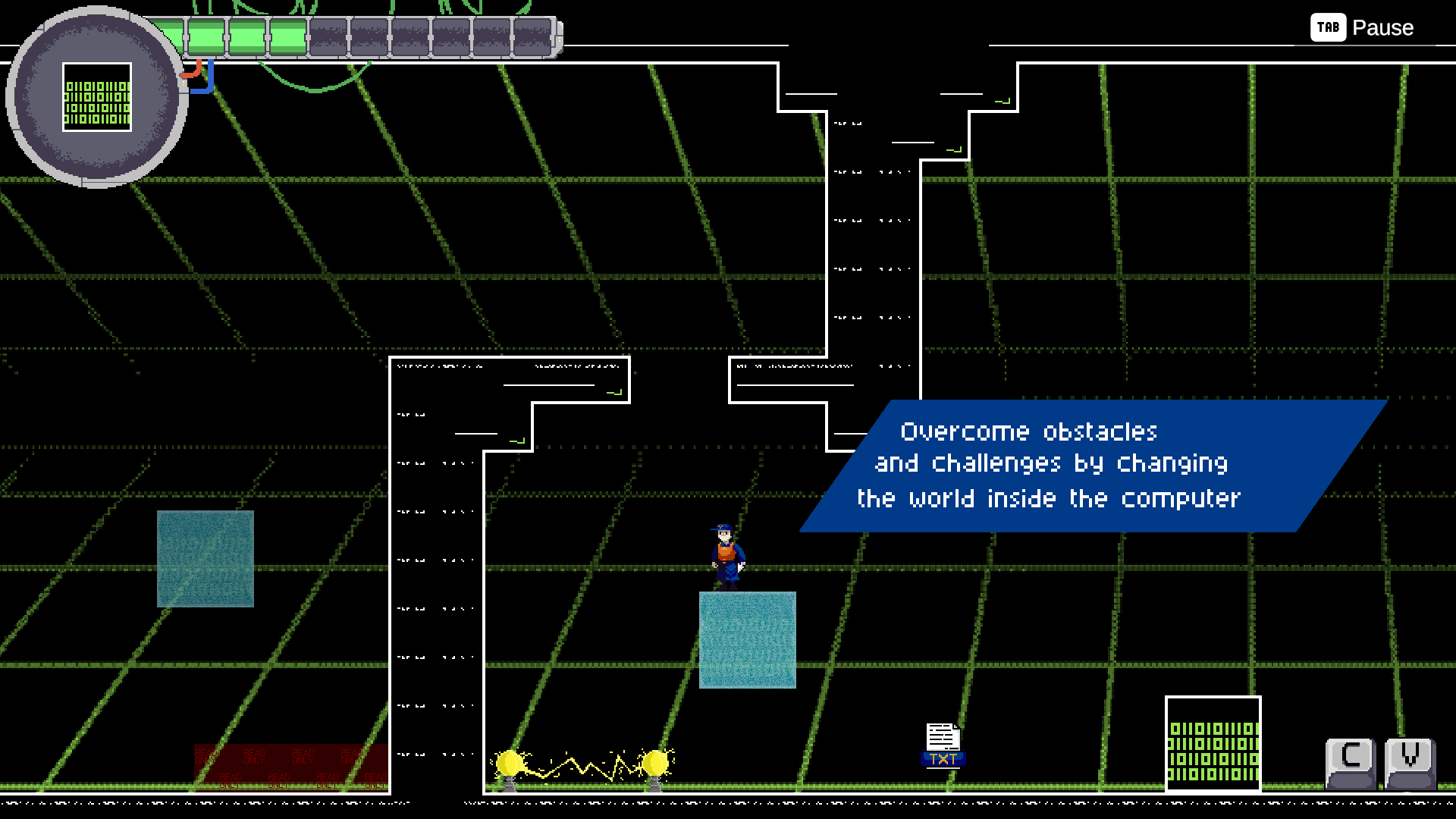
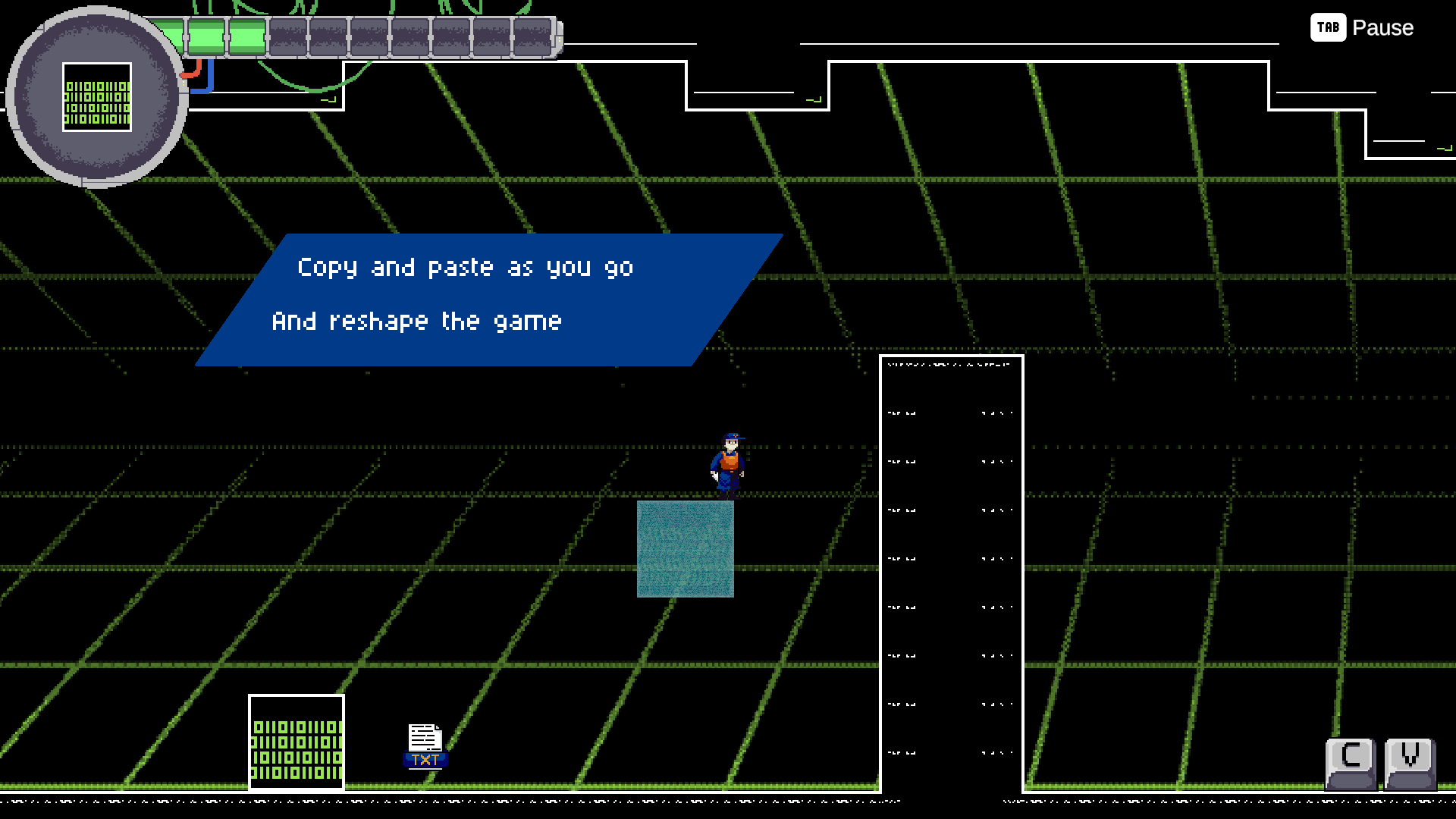
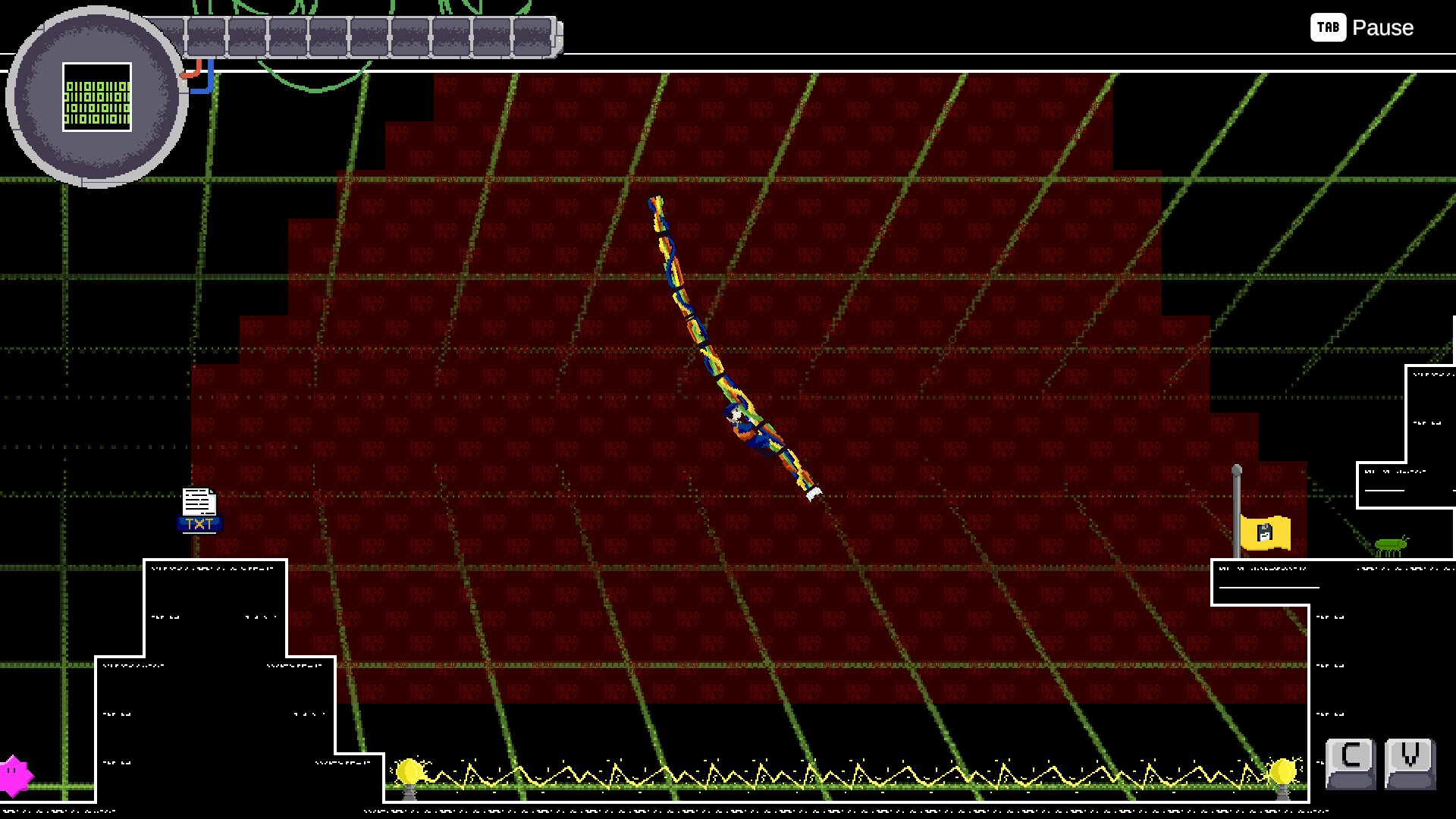
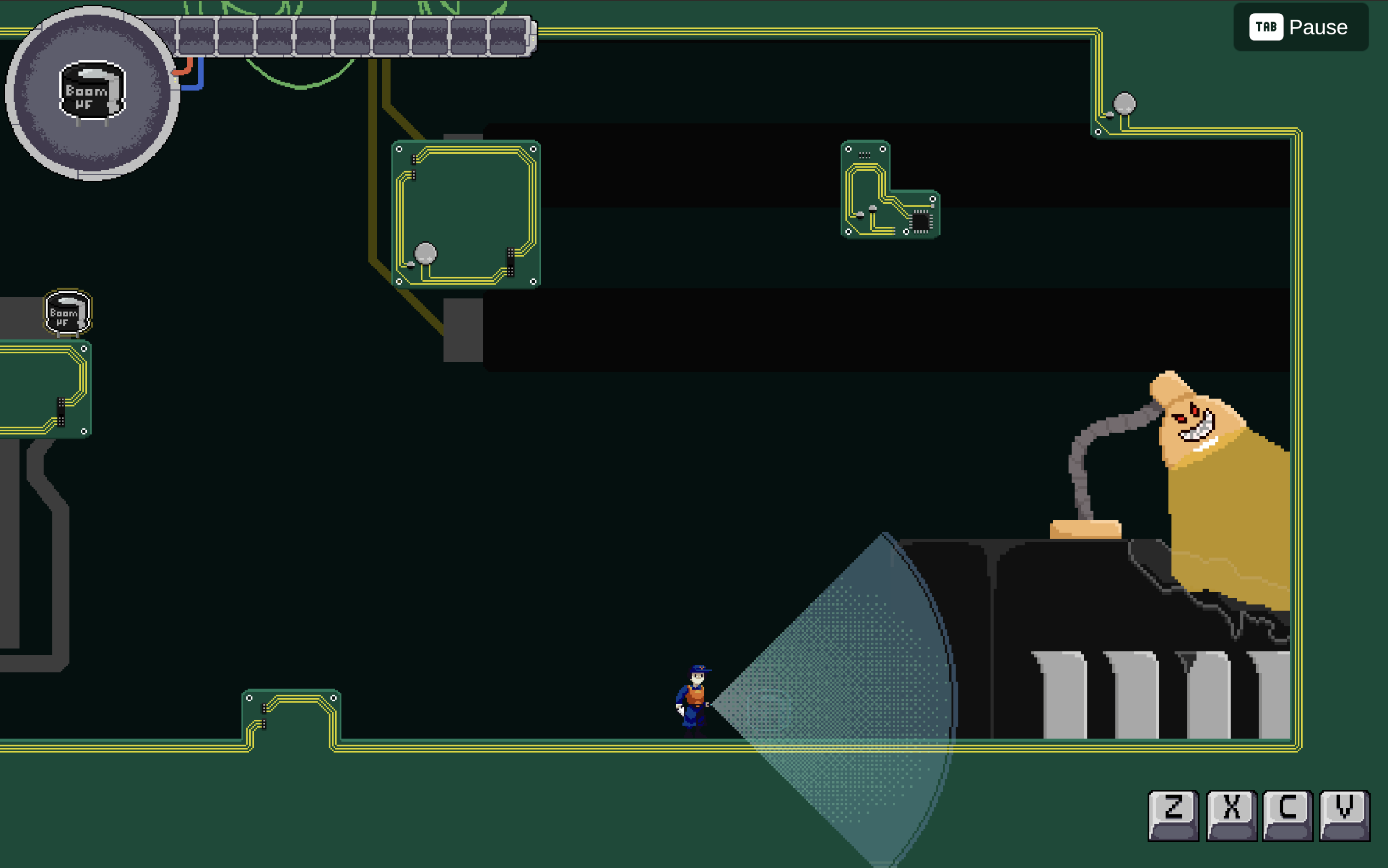
CTRL-V is a 2D side-scrolling platformer where you enter the digital world of your corrupted computer through a newly installed antivirus program called CTRL-V. Your goal is to beat the evil Digital Assistant, and find your way to the core of the system. The main mechanic are the ability to copy, cut, paste and undo objects, allowing you to creatively alter the environment and overcome obstacles. The shortcuts are your keys to victory: use them wisely to manipulate your surroundings, overcome threats, and restore stability to the system.
Did you find any bug?
tell us here: https://forms.gle/e3U9vHByaWSDvMYKA
Commands
Note: Customization is a thing here!
Movement & Actions
Default Controls:
- Arrow Keys – Move
- Space – Jump
Alternative Control Schemes:
- WASD layout
- IJKL layout
Editing Abilities (default SHIFT for Web!)
- Copy: Ctrl + C
- Paste: Ctrl + V
- Cut: Ctrl + X
- Undo: Ctrl + Z
Additional Settings
- Jump with Up – Use the up arrow/key as an alternative jump button
- Use Shift instead of Ctrl or Cmd – Replace Ctrl/Cmd with Shift for all editing commands
- (Accessibility) Use CTRL as a toggle – Hold once to activate, press again to deactivate
- (Easter Egg) Use Realistic Game Over screen (BSOD) – Experience an authentic Blue Screen of Death when you fail
Mac Support
On Mac, all commands can also be performed using the Command (⌘) key instead of Ctrl (unless you've enabled the Shift option).
Meet the incredible team
Pietro Saveri - CEO, github conflicter professionist - Developer
Giolti (Elisa De Benedettis) - Pixelated Artist, Demon of ADHD - Designer
Delta (Marco Caramazza) - Animated Machine, Professional Undo-er - Developer/Co-Designer
Blinky (Simone Rodari) - CTO, Keeper of the Code - Developer
Cristian Summa - Professional Unity Hater - Developer
Giovanni Dasti - Windows' sounds remixer - Music Composer
Download
Install instructions
Hey! You are actually downing this? Thanks! Hope you will enjoy this!


Comments
Log in with itch.io to leave a comment.
I'm leaving my comment for the beta here since otherwise you might receive it too late.
You did great improvements since the prototype! Love the art work and the overall vibe of the game. The possibility to change controls really helps the game to be more playable (especially with ctrl as toggle).
Nonetheless I still find it to be very difficult (might as well be my skill issue). I spent 20 minutes on the first level but still did not manage to beat it.
Another aspect that might be considered for improvement is the character control system. The inputs give way too much force in my opinion and is difficult to be precise.
Love the game still, keep up the good work!
Hi! Thanks so much for the feedback.
We’re trying to find the right balance between challenge and fun in the levels. They’re meant to be a bit tough at first, since the controls take some time to master.
Do you remember where you got stuck? Do you have any suggestions on how we could improve that part?
We also kept all levels unlocked, so if someone has trouble completing one, they can still try out the others.
Thanks for sharing your thoughts, we’ll Ctrl+C your feedback and Ctrl+V it straight into improving the game 😉
It was the very last part before the end of the level (a friend of mine told me so).
If I use the ctrl as toggle the game is much smoother and a little bit easier. After playing it a second time I found myself keeping it always on.
I personally find it difficult when I have to jump left and then also place a block underneath me. But I get that it is one of the main mechanics of the game, so maybe I just need some more practice.
(Love the joke at the end XD)
I put here my comments about the game, since the console gives me the error after the form submission.
I didn't manage to end the first level, after the first checkpoint since many times happened that I triggered chrome shortcuts (like CTRL+D during the movement to see where to put the block). I found the block placement a little bit to fast in disappearing and placing where the player is oriented is not too intuitive, in particular, when the player looks forward, the block will be placed some pixel higher than the previous one, creating a sort of stair instead of a bridge.
Player movements are ok, I'll just reduce the speed. Using the arrow keys are not ideal (to me). If you need, I can post there the gameplay